
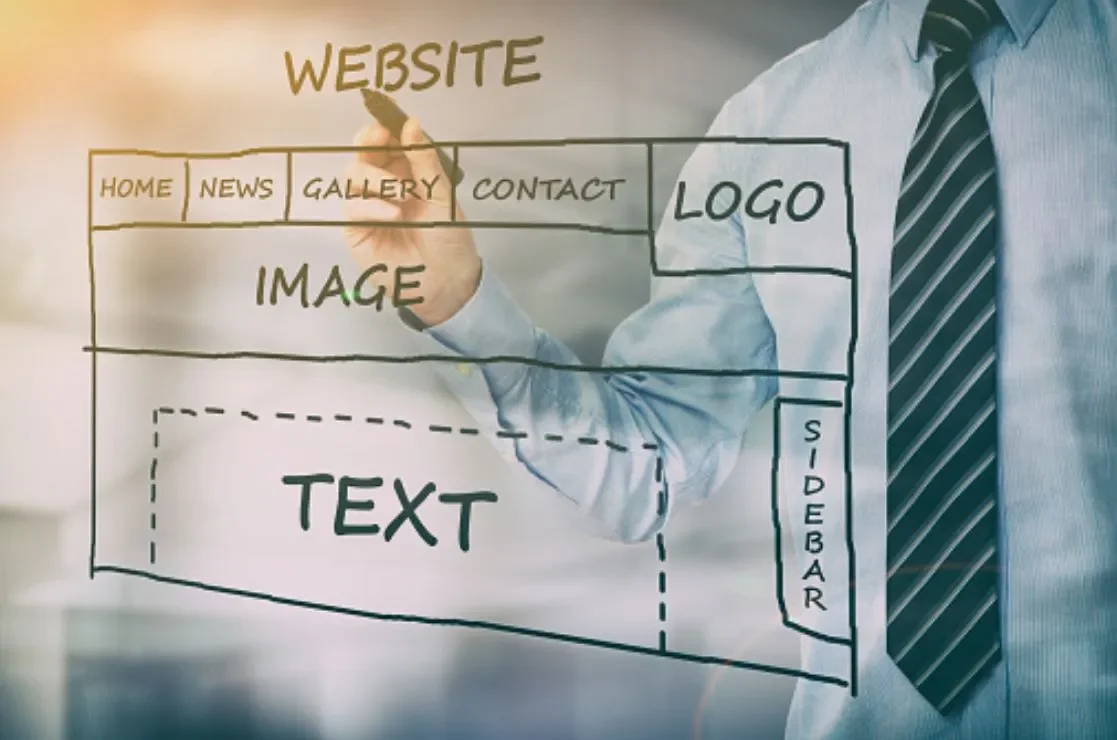
5 helpful tips to improve the usability of your website!
“88% of online consumers are less likely to return to a site after a bad experience”
Usability is the ease with which people can use a website or application to achieve their desired tasks. In other words, if your website is difficult to use, your customers or users will likely leave your site and go to a competitor’s site that is easier to use. Many factors affect usability, such as the layout of your website, the color scheme, the font size, and whether the website is mobile-friendly.
If you want to keep your customers on your website and improve your website’s usability, here are some tips:
1. Use a simple layout
Your website’s layout should be simple and easy to understand. Avoid using too many colors, fonts, and images, as this can make your website appear cluttered and confusing.
2. Use a consistent color scheme
Your website’s color scheme should be consistent throughout the site. Using too many different colors can be visually confusing and make it difficult for users to navigate your website.
3. Use a large font size
Your website’s font size should be large enough to be easily readable. Using a small font size can make your website difficult to read, especially for users with vision impairments.
4. Make your website mobile-friendly
Over 60% of web traffic today comes from mobile devices. A non-mobile-friendly site is a surefire way to lose business. If someone has to zoom in to read your content or fill out a form, they’re likely to leave and find a company with a site that’s easy to use on their phone. Your website should be designed to be used on both desktop and mobile devices. Users may have difficulty accessing your content or using your website’s features if your website is not mobile-friendly.
5. Test your website regularly
Regular website testing is essential to ensure that it is functioning properly and accessible to all users.
When was the last time you ran a full end-to-end test on your website and tried using it on mobile, desktop, or tablet? If you can’t remember, it’s time to test its interactions, responsiveness, links, buttons, and accessibility to ensure things are still working correctly and looking friendly.
Ready to take the next steps?
For a quick usability test, visit https://www.powermapper.com/products/sortsite/checks/usability/ to get limited accessible metrics on your website’s usability.
For an in-depth look at how your website is performing and how it can be improved, don't hesitate to get in touch with Custom Brad X for a free usability review.

Why Generative AI Needs Human Designers
Why Generative AI Needs Human Designers
Insights from a UX Specialist
My name is Martina Josimovska, and I’ve been in the User Experience Design field for nearly 10 years.
In today’s fast-evolving technological landscape, the role of graphic designers (or UX designers) has been significantly influenced by the emergence of Generative AI design technology. As a current UX Specialist, I have the opportunity to witness firsthand the impact that this technology has had on the design process. While there is immense value in the capabilities of Generative AI design tools, companies must recognize the benefits of integrating human graphic designers with this technology, as opposed to solely relying on either Generative AI or traditional human designers in isolation.
As a designer, I’m always looking for ways to expand my skill set and stay ahead of the technology. Lately, I’ve been deep-diving into the world of video storytelling, and I’ve realized that the integration of Generative AI design technology could significantly enhance my creative outputs.
Generative AI should be every designer’s best friend. With its efficiency and creativity, its value to the design process is indisputable. It allows designers to create multiple design possibilities in a significantly shorter time than traditional methods. In my own experience, integrating AI design processes via Figma plugins has streamlined my workflow and freed up more time for me to focus on complex design challenges. It has also improved my productivity by automating repetitive tasks such as generating layout options, color palettes, and font selections.
But while AI is an incredible tool, I recognize that it can never fully replace the role of human designers in the design process. As a UX designer, I believe that design is more than just aesthetics; it’s about creating functional solutions that meet the needs and wants of the target audience. And that requires an understanding of human emotions, cultural nuances, and brand context that AI cannot fully replicate.
This is where the collaboration between Generative AI and human designers comes in. The combination of AI-generated content and human intuition and expertise leads to design solutions that are not only efficient but also contextually and emotionally relevant. Human designers possess a deep understanding of user behavior, emotions, and preferences that is essential for creating designs that deeply resonate with the target audience. While AI technology can provide innovative design suggestions, human designers can infuse designs with authenticity and custom relevance, ensuring that the final output aligns with the brand identity and the specific needs of the target audience.
Integrating Generative AI and human creativity enables companies to stay at ahead of innovation. The combination of human creativity and AI technological advancements fosters a culture of continuous experimentation, exploration, and cross-disciplinary collaboration, driving innovation and differentiation in design outputs. As a designer, I understand the importance of keeping up-to-date with the latest trends and technologies, and I believe that embracing the use of Generative AI alongside human creativity enables us to push the boundaries of what is possible in design.
I believe that Generative AI design technology is an invaluable tool for designers, but it will never replace human designers’ role in the design process. By embracing a collaborative approach that integrates human expertise and Generative AI technology, companies can produce designs that are both visually compelling and functionally impactful. While AI can enhance the efficiency and innovation of the design process, it is human creativity and empathy that determine the success of design outputs. I’m excited to see how the integration of Generative AI and human creativity in design will shape the future of the industry.
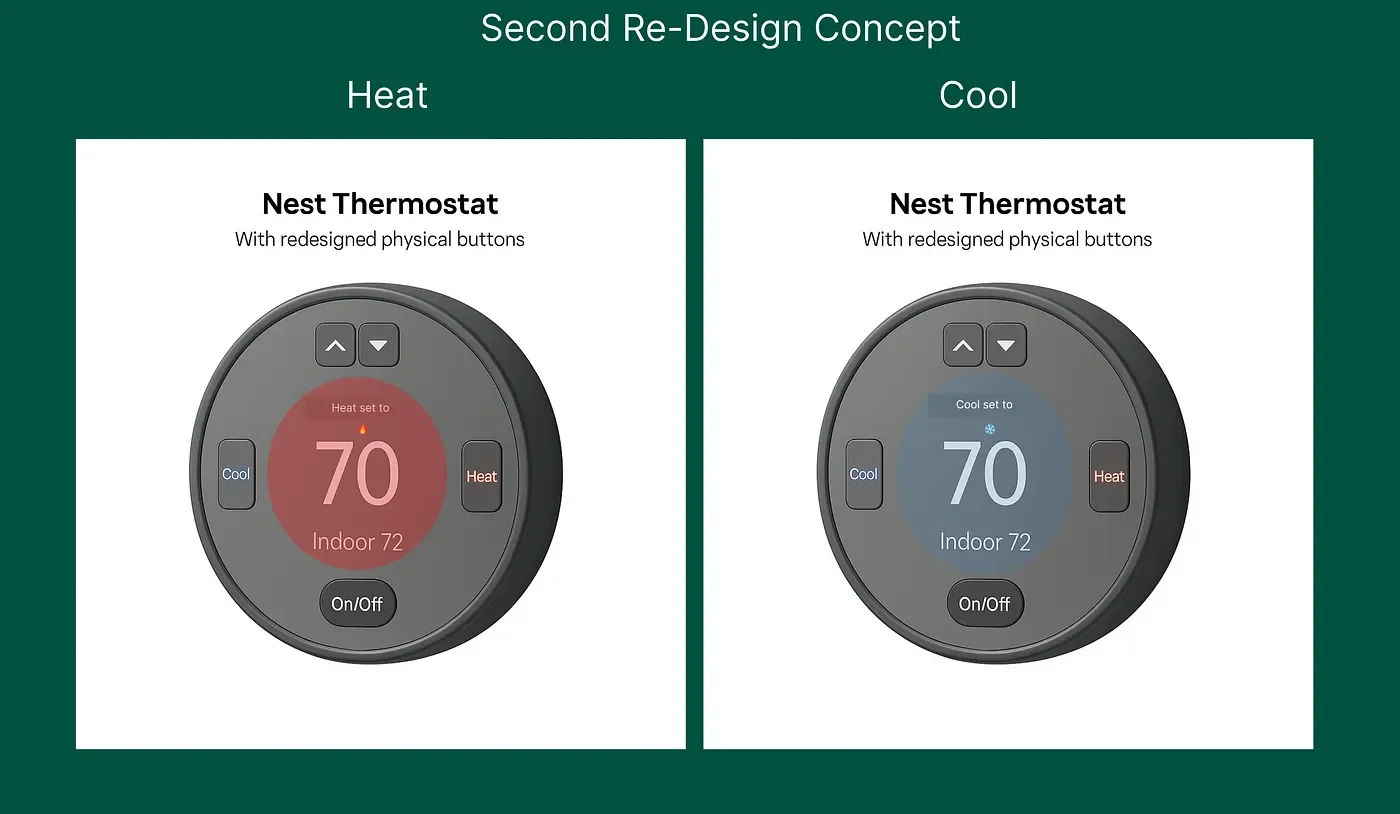
A Beautiful Device With a Bad Experience
It All Begins Here
My Redesign for Google Nest Thermostat (Gen 1)
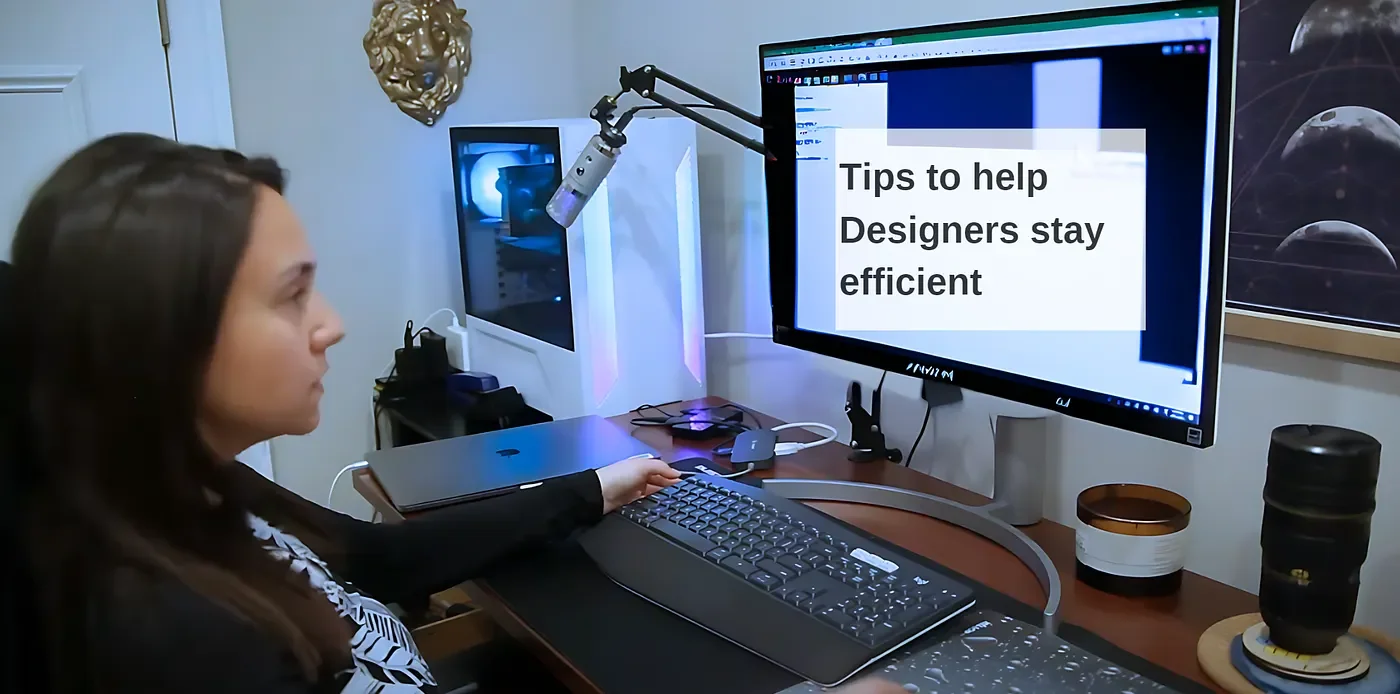
8 Tools and Resources That Make My Life as a UX Specialist — SO MUCH EASIER
It All Begins Here
(0) WCAG plugin for Figma — The WCAG plugin for Figma helps us ensure that our designs adhere to accessibility standards, making our products inclusive and usable for everyone.
(1) Figma to create and collaborate on design projects seamlessly. It’s a powerful tool for designing interfaces and experiences together with your team in real time.
(2) FigJam for brainstorming sessions and collaborative whiteboarding. It’s perfect for visualizing ideas and facilitating team discussions.
(3) Gamma to generate stunning presentations effortlessly. It’s a game-changer for creating engaging and professional slides quickly.
(4) ChatGPT for writing assistance, from crafting design documentation to generating creative content. It’s like having a writing assistant on hand 24/7.
(5) Text to Design Plugin for Figma, which transforms text descriptions into design elements, speeding up the design process significantly.
(6) Maze for conducting user testing and gathering actionable insights. It’s invaluable for validating design decisions with real user feedback.
(7) Grammarly to ensure all your written communication is clear, effective, and error-free. A must-have for producing polished and professional content.
(8) Canva for creating visually appealing graphics easily. It’s perfect for non-designers and designers alike to produce professional-looking content quickly.
Of course, I've used many others but these are the main ones that help me day to day in the past year!
Resources to Stay Updated and Inspired:
NNGroup: A go-to resource for research-based UX insights.
UX Laws: Essential principles to enhance your design decisions.
Growth Design: A new resource my colleague introduced to me, focusing on the intersection of design and growth strategies.
Interaction Design Foundation: To keep up with the latest in design education and technology trends.
Dribbble: For a constant stream of design inspiration from the creative community.
Have you used any of these tools? Anything you’d add to the list?
Is your website accessible?
If a website is not accessible to people with disabilities, it is at risk of lawsuits.
People with disabilities have the right to access information and services online, just like everyone else. When a website is not accessible, it can prevent people with disabilities from being able to use it, which can be discriminatory.
What does that mean for your website, and why is it essential to take action?
Large-scale web audits show us that the majority of website designs violate the accessibility standards put in place by the World Wide Web Consortium (W3C). This means that a large number, 98% to be exact, based on a 2020 Web Accessibility Annual Report, of websites are not accessible to people with disabilities.
Is your website accessible to people with disabilities?
There is no definitive answer to this question since accessibility is relative and depends on the individual. However, some general guidelines can be followed to ensure that a website is accessible to as many people as possible. These include using clear and concise language, providing alt text for images, and ensuring that the website is navigable using a keyboard.
Additionally, it is important to test the website with people with disabilities to get their feedback on the design and accessibility.
If time and money do not permit to check with real people, we suggest:
1- Using an Accessibility Checker!
There are multiple free accessibility checkers, but this Accessibility Checker is a free web-based audit tool that scans your website for major legislation worldwide. Example results below.
The tool shows you all the errors it finds on your website, and for every error, the scanner finds, you’ll receive a detailed explanation about it, whom it affects, and multiple options on how to solve it. This helps get a more comprehensive view of accessibility for your website.
2 — Take an Accessibility Course!
If time does permit, we also recommend taking a course on accessibility for the web, which is a great way to learn more about how to make a website accessible to people with disabilities and what steps to take to improve your website.
Free course here: https://www.w3.org/WAI/courses/foundations-course/
After your results, you can contact Custom Brand X to schedule your free discovery brief if you'd like to update your current website design. Our UX Designers are trained in accessibility for the web and will walk you through the changes they can make to improve.